Files and documents for business
Every document in its place.Every view on the record.
Send clients a link instead of an attachment, see the moment they open it, and find any scan by the words on it. When an audit asks what happened to a file, the file answers.
Free for one person, with no card. Teams try it free for 30 days.
- A file found to carry malware never gets in.
- Every view and download goes on the file’s record.
- Your team can encrypt its files under a key of its own.

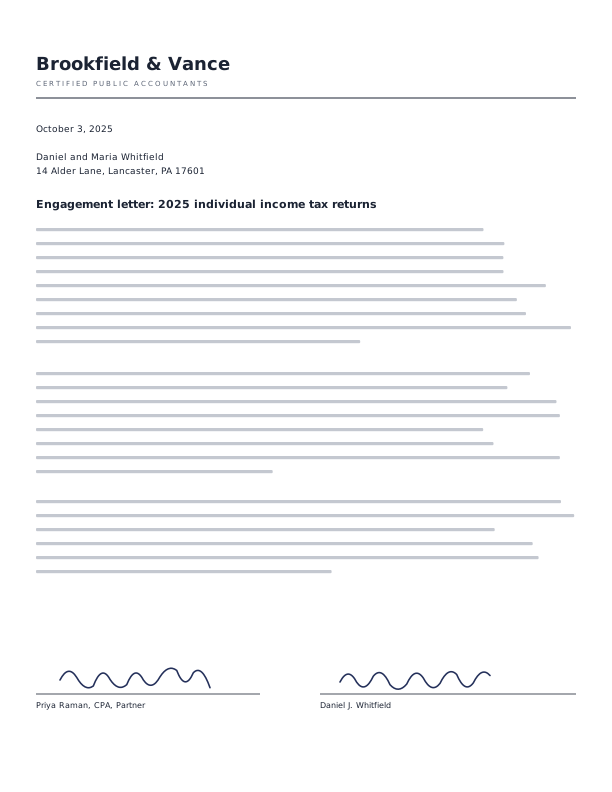
Every tax season starts the same way.
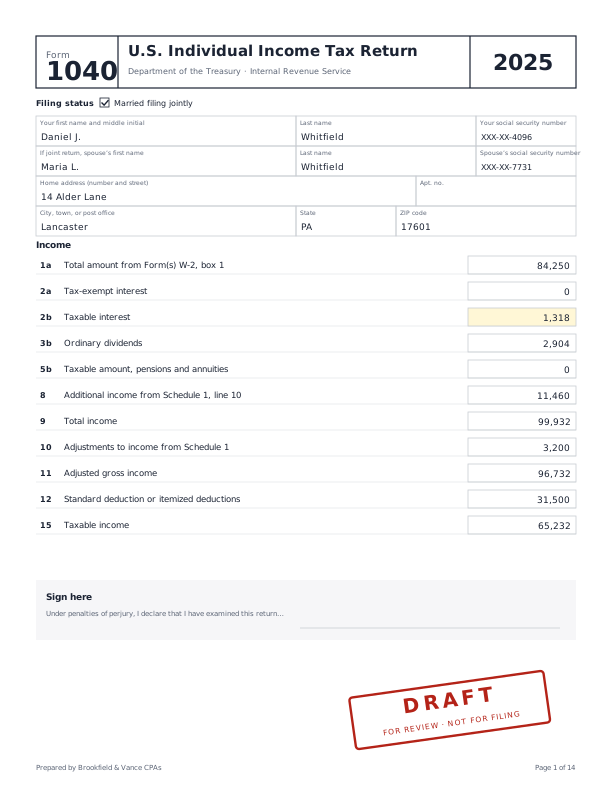
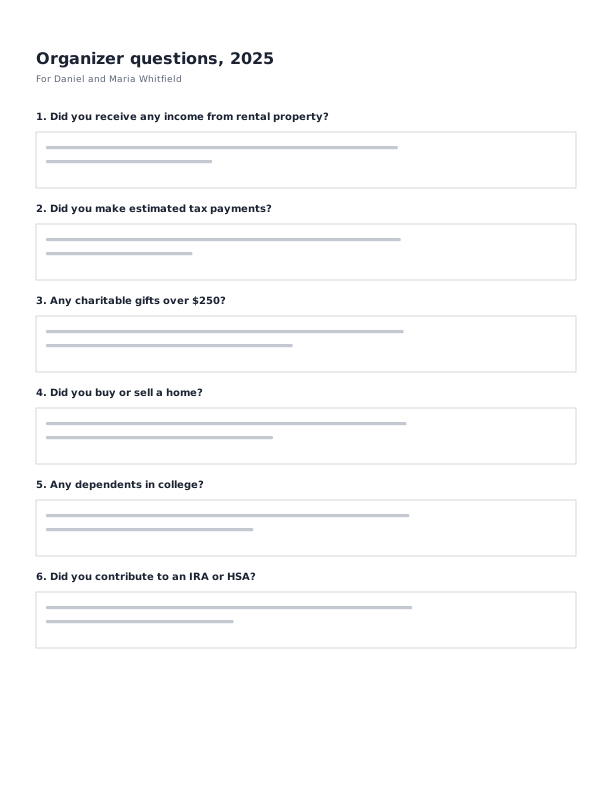
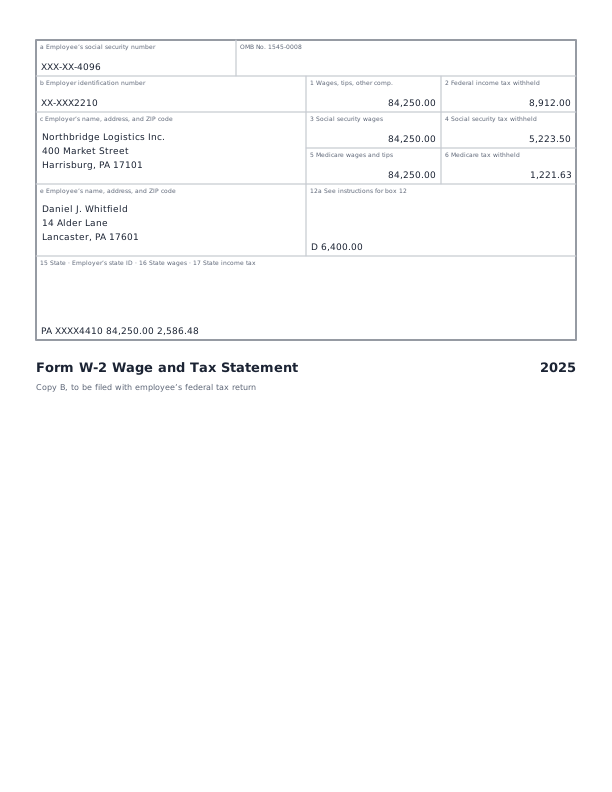
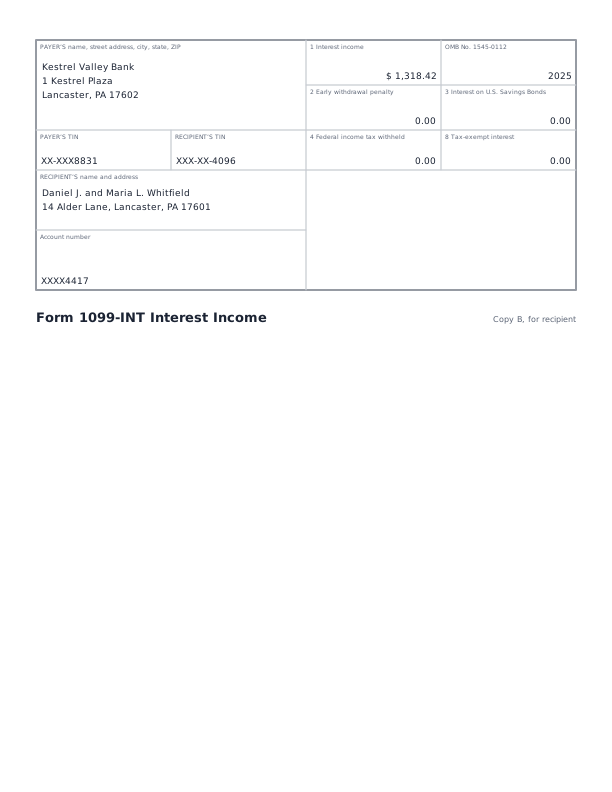
One client emails a photo of a W-2. Another sends a bank statement, then sends it again, unsure the first one arrived. A third says the 1099 went out last week, and it isn’t anywhere you can find. You send the draft return as an attachment, and wait. Did they open it? Did anyone else?
XipDrive gives each client one link to send you everything, straight into their folder. Every file you send back carries its own record: when it arrived, who opened it, and who downloaded it. When a question comes months later, the answer is already there.
It works the same way for a broker sending a loan package, a lawyer sharing a draft, or anyone who trades documents with their own clients.
Ask for files with one link
Send a client a link, and they upload straight into the folder you chose. They need no account and no app. You get an email when files arrive, and XipDrive checks each one for viruses as it comes in.

Send a link, and know what happened next
Share a file or a folder with a link instead of an attachment. Let people view or download, add a password or an end date, ask for their email first, and turn the link off at any time. A view-only link shows the pages, never the file itself, with the viewer’s email on every page.
Open the file’s record to see who opened it, and when.

Find any scan by the words on it
XipDrive reads every scanned page, so a search finds the words inside, not just the file’s name. It suggests what each document is, such as a W-2 or a bank statement, and the details that matter, like the person and the tax year, for you to confirm. Then you can find files by any of them.

Ask Xippy, and see where each answer came from
Xippy is XipDrive’s assistant. Ask about a file, a folder or everything you keep, in your own words. Xippy answers with links to the pages it used, so you can check them.
Every file opens with a short summary at the top, so you know what it is before you read a page.

Ready for the day someone asks
An audit, a dispute, or a client who says they never got it. XipDrive keeps the answer: a record of every view and download that shows any change made to it.
It comes with every team seat, not as an add-on.
Holds. Put a hold on a client’s files, and nothing in them can be deleted until you lift it.
Retention. Choose how long each kind of document is kept, and what happens when that time is up.
Export. Hand an auditor or a court the files with their whole record.
Rewind. If a computer is attacked and files are scrambled, turn the folder back to before it happened.
Room for your whole team
Start with one seat and add people as you grow. Admins choose who can see and change what. When someone leaves, the files they kept stay with the team.
Use your company’s single sign-on, and add or remove people from its directory.

On your phone and your computer
XipDrive works in the browser on any phone or computer. Photograph a paper document page by page, and XipDrive makes it one PDF. Desktop sync keeps your folders in step on Mac and Windows.

Your next document, in its place
Free for one person, with no card. Teams try it free for 30 days.